
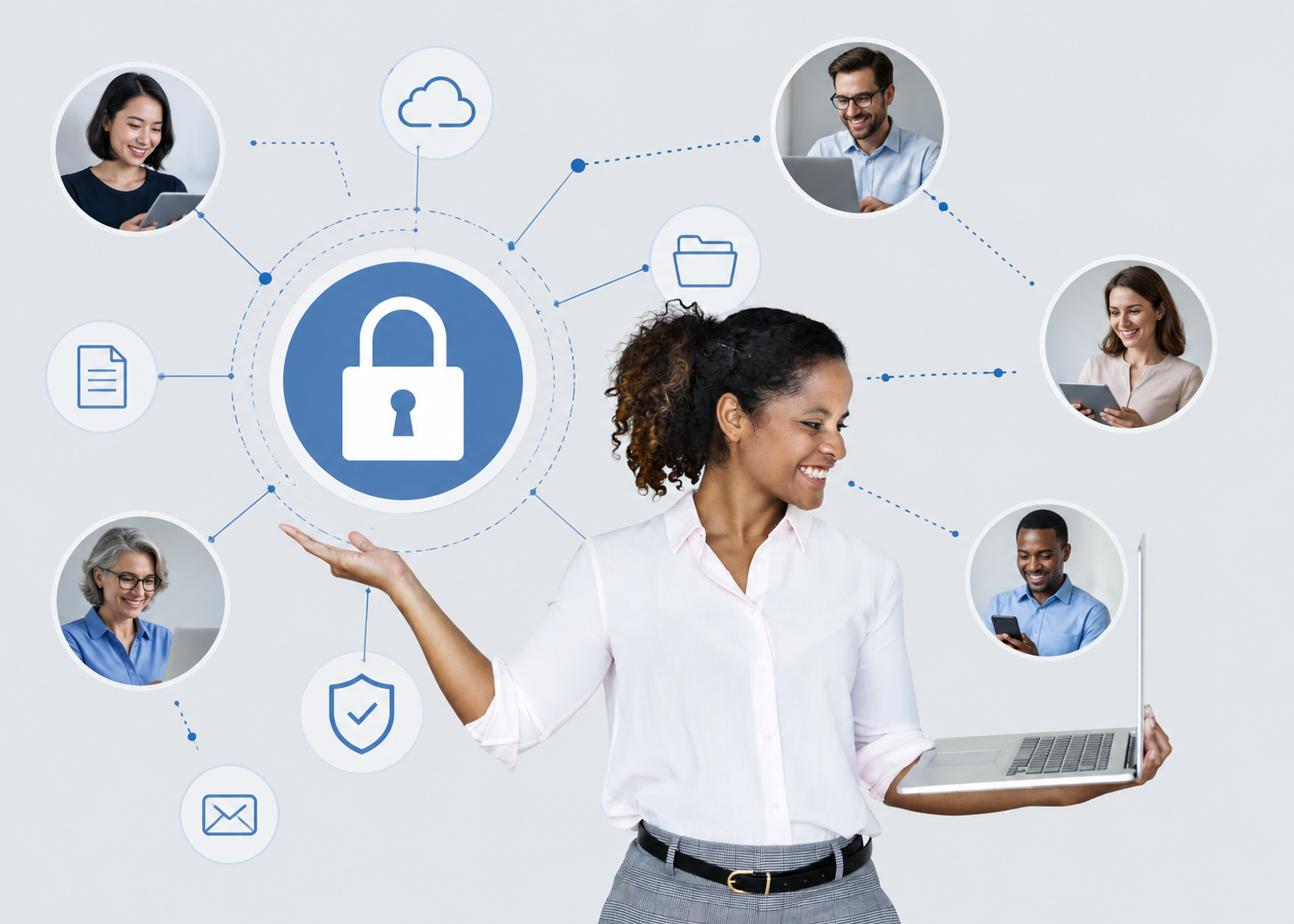
Modern businesses depend on collaboration.
Employees share files across departments. Managers communicate through email and messaging platforms. Finance teams work with external vendors. Human resources coordinate onboarding across cloud systems. Healthcare organizations exchange sensitive information with clinicians, referral partners, payers, and administrators. Remote teams collaborate from homes, airports, hotels, coffee shops, and mobile devices.
Collaboration has become faster, more flexible, and more connected than ever before.
But as collaboration expands, so does cyber risk.
Every shared file, cloud login, email attachment, mobile device, third-party integration, and communication platform creates another pathway attackers can exploit. What was once a simple office network is now a distributed environment where data constantly moves across users, devices, applications, and locations.
That changes the security conversation.
Secure collaboration is no longer just an IT concern. It is now an operational requirement, a compliance responsibility, and a business continuity issue. Organizations that fail to secure collaboration workflows risk ransomware attacks, credential theft, email compromise, data breaches, regulatory scrutiny, operational disruption, and reputational damage.
The reality is simple:
Collaboration without security creates exposure.
As businesses continue adopting Microsoft 365, Google Workspace, cloud storage, remote work platforms, and mobile collaboration tools, organizations must rethink how teams communicate, share data, and access systems securely. Cybercriminals already understand this shift. Attackers increasingly target identity systems, cloud platforms, email accounts, and collaboration environments because they know that compromising one user can often provide access to the rest of the organization.
The organizations that recognize this early will be stronger, more resilient, and better prepared for the realities of modern cyber threats.
The organizations that ignore it may discover their weaknesses during a ransomware incident, phishing attack, compliance audit, or operational outage.
Secure collaboration is now part of doing business.
Collaboration Has Expanded the Attack Surface
Traditional workplaces were easier to control.
Employees worked primarily from office desktops connected to centralized networks. File access stayed inside the organization. IT teams managed devices directly. Security boundaries were clearer.
Modern collaboration environments are different.
Today, employees work across:
Microsoft Teams
SharePoint
OneDrive
Google Drive
Gmail
Slack
Zoom
cloud storage platforms
mobile devices
home networks
personal laptops
remote access systems
third-party applications
Sensitive business data moves continuously between users, devices, and platforms.
That creates complexity.
A shared document link may expose confidential information publicly. A compromised email account may give attackers access to payroll systems, vendor communications, and financial approvals. A phishing email may bypass users who are busy collaborating across multiple platforms simultaneously. A stolen laptop may contain synchronized cloud files and cached credentials.
One compromised identity can become an organizational problem within minutes.
This is why secure collaboration must be approached strategically, not casually.
Cybersecurity can no longer focus only on firewalls and antivirus software. Organizations must secure the people, identities, devices, email systems, cloud applications, and workflows that enable collaboration itself.
The collaboration layer has become a primary attack surface.
Managed Cybersecurity Creates Operational Visibility
Many organizations struggle because security responsibilities are fragmented.
One vendor manages email. Another manages backups. Internal staff handle passwords. Compliance is tracked separately. Endpoint security is partially deployed. Monitoring is inconsistent. Incident response processes are unclear.
These gaps create risk.
Managed Cybersecurity helps organizations centralize protection, monitoring, governance, and response across distributed collaboration environments. Instead of reacting to threats after damage occurs, businesses gain continuous visibility into users, devices, identities, cloud systems, and suspicious activity.
This matters because collaboration platforms generate enormous amounts of activity every day:
logins
file sharing
email communication
remote access requests
cloud synchronization
privilege changes
external sharing links
application integrations
Without centralized oversight, organizations often miss early warning signs.
Managed cybersecurity creates operational discipline around:
user access control
device monitoring
threat detection
policy enforcement
backup verification
incident response
compliance visibility
ransomware readiness
That visibility becomes especially important in remote and hybrid work environments where users operate outside traditional office networks.
Secure collaboration requires continuous oversight.
Not occasional reviews.
How to Detect Threats Before They Spread
Most cyberattacks no longer happen in one place.
Attackers move across endpoints, cloud accounts, email systems, and identities simultaneously. A phishing email may compromise credentials. Those credentials may be used to access cloud applications. From there, attackers may attempt lateral movement, ransomware deployment, or data exfiltration.
Traditional antivirus tools were not designed for this level of complexity.
This is why organizations increasingly rely on:
EDR focuses on monitoring and protecting endpoints such as laptops, desktops, servers, and mobile devices.
XDR expands visibility across multiple systems, including:
endpoints
email
cloud applications
identities
networks
MDR adds human expertise through continuous monitoring and incident response support.
Together, these capabilities help organizations identify suspicious activity before attacks spread across collaboration environments.
This is especially important because modern collaboration tools are deeply interconnected. A compromised endpoint can expose synchronized cloud files. A compromised email account can enable internal phishing attacks against coworkers. A stolen identity can grant access to shared drives, payroll systems, customer records, or healthcare data.
The speed of detection matters.
The faster suspicious activity is identified and contained, the lower the operational damage.
Secure collaboration depends on visibility across the entire environment, not just individual devices.
Advanced Email Security Remains Critical
Email is still the most common entry point for cyberattacks.
That has not changed.
Even with modern collaboration platforms, email continues to drive:
password resets
vendor communication
invoices
payroll coordination
document sharing
onboarding
executive communication
external collaboration
Attackers understand this.
Phishing campaigns increasingly impersonate:
Microsoft 365 login pages
Google Workspace notifications
HR messages
executives
vendors
financial institutions
healthcare systems
cloud storage alerts
Many attacks no longer rely on obvious malware attachments. Instead, attackers use credential harvesting, business email compromise (BEC), fake file-sharing invitations, and social engineering tactics designed to bypass user trust.
That is why advanced email security has become essential for secure collaboration.
Modern email protection should include:
phishing detection
malicious link analysis
attachment sandboxing
impersonation protection
BEC detection
suspicious login monitoring
URL rewriting
domain protection
AI-driven threat analysis
This is not only about blocking spam.
It is about protecting the identities and communication channels organizations depend on every day.
One compromised inbox can expose the entire collaboration ecosystem.
Microsoft 365 and Google Workspace Still Need Backup Protection
Many organizations mistakenly assume that Microsoft 365 and Google Workspace automatically provide complete backup and recovery capabilities.
They do not.
Cloud productivity platforms focus primarily on service availability, not comprehensive long-term backup, ransomware recovery, or accidental deletion protection.
That distinction matters.
Deleted emails, overwritten files, ransomware-encrypted data, malicious insider activity, or synchronization errors can permanently impact business operations if organizations lack independent backup protection.
Secure collaboration requires recoverability.
Organizations should ask:
Can we restore deleted emails quickly?
Can we recover encrypted OneDrive files after ransomware?
Can we restore SharePoint permissions?
Are Google Drive files protected independently?
How long are backups retained?
Are backups immutable?
Have we tested restoration?
Microsoft 365 Backup and Google Workspace Backup help organizations maintain operational continuity when collaboration systems fail, data is deleted, or ransomware impacts cloud environments.
This is not just a technical safeguard.
It is a business continuity requirement.
If collaboration systems become unavailable during an incident, organizations may lose:
communication history
contracts
project documentation
financial records
customer communications
healthcare information
operational workflows
Backup protection ensures collaboration can continue even after disruption.
Availability matters as much as prevention.
Vulnerability Assessments Identify Hidden Weaknesses
Many collaboration risks are invisible until attackers discover them first.
Organizations often operate with:
outdated software
exposed remote access services
weak configurations
unused privileged accounts
unpatched devices
excessive permissions
shadow IT applications
insecure sharing settings
These weaknesses accumulate over time.
A Vulnerability Assessment helps organizations identify security gaps before they become incidents.
This process may include reviewing:
endpoints
cloud configurations
identity systems
remote access platforms
collaboration tools
third-party applications
exposed services
administrative privileges
For collaboration environments, this is especially important because security settings are often decentralized across multiple platforms.
A single misconfigured sharing permission can expose sensitive information publicly.
A single unpatched endpoint can become the entry point for ransomware.
A single weak administrator password can compromise the organization.
Visibility creates resilience.
Organizations cannot secure what they do not understand.
Security Awareness Training Turns the Workforce into a Defensive Layer
Technology alone cannot stop every attack.
Employees remain one of the most important factors in organizational security.
Most cyber incidents involve human behavior in some way:
clicking phishing links
approving fraudulent requests
reusing passwords
sharing sensitive data improperly
bypassing security procedures
using unsecured devices
trusting fake collaboration invitations
This is why Security Awareness Training must become practical, continuous, and operationally relevant.
Annual compliance training is not enough.
Employees need ongoing education around:
phishing emails
fake file-sharing requests
password security
MFA usage
remote work risks
public Wi-Fi
secure document sharing
ransomware tactics
social engineering
suspicious login activity
Training works best when it reflects the situations employees actually face during collaboration.
Security culture matters.
Organizations that encourage employees to report suspicious activity early are often able to contain incidents faster and reduce operational impact significantly.
Fast reporting reduces damage.
Ransomware Readiness Is Now a Collaboration Requirement
Ransomware attacks no longer target only servers.
Attackers increasingly target collaboration platforms because they contain the operational data organizations rely on every day:
shared documents
email archives
cloud storage
financial records
HR systems
project management data
healthcare information
customer communication
Modern ransomware operations often begin with:
phishing emails
credential theft
identity compromise
remote access abuse
vulnerable endpoints
Once attackers gain access, they may move laterally across cloud platforms, synchronized devices, and shared environments before encrypting data.
That is why Ransomware Readiness must include more than backups alone.
Organizations should prepare for:
threat detection
endpoint isolation
credential containment
cloud account protection
backup recovery
communication continuity
incident response coordination
operational downtime procedures
The first hours of a ransomware incident are critical.
Organizations that prepare in advance recover faster, contain damage more effectively, and reduce operational disruption significantly.
Preparation changes outcomes.
Best Practices Organizations Should Prioritize Immediately
Organizations do not need to solve every security challenge overnight.
But they should begin with the highest-impact collaboration safeguards first.
Leadership teams should prioritize:
enabling multi-factor authentication across all collaboration platforms
securing email with advanced threat protection
deploying EDR, XDR, or MDR capabilities
implementing Microsoft 365 and Google Workspace backup protection
conducting recurring vulnerability assessments
limiting unnecessary access privileges
reviewing external sharing permissions
training employees continuously
testing ransomware response procedures
establishing centralized managed cybersecurity oversight
These controls create a stronger foundation for secure collaboration across distributed environments.
Perfection is not the goal.
Operational maturity is.
Are you Prepared to Secure Collaboration Across Distributed Teams?
ShieldForce helps organizations strengthen secure collaboration across cloud platforms, endpoints, email systems, remote work environments, and distributed teams through Managed Cybersecurity, EDR/XDR/MDR, Advanced Email Security, Microsoft 365 Backup, Google Workspace Backup, Vulnerability Assessments, Security Awareness Training, and Ransomware Readiness solutions designed for modern operational environments.
Our Secure Collaboration Cyber Readiness Assessment helps business leaders identify security gaps across collaboration platforms, cloud systems, endpoints, email environments, user access, backup readiness, and workforce security practices before a ransomware incident, business email compromise attack, operational disruption, compliance review, or audit forces the conversation.
Schedule a complimentary Secure Collaboration Cyber Readiness Assessment with ShieldForce today and gain a clearer understanding of where your organization stands, where collaboration risks exist, and what practical steps can strengthen visibility, resilience, and operational security across your environment.