
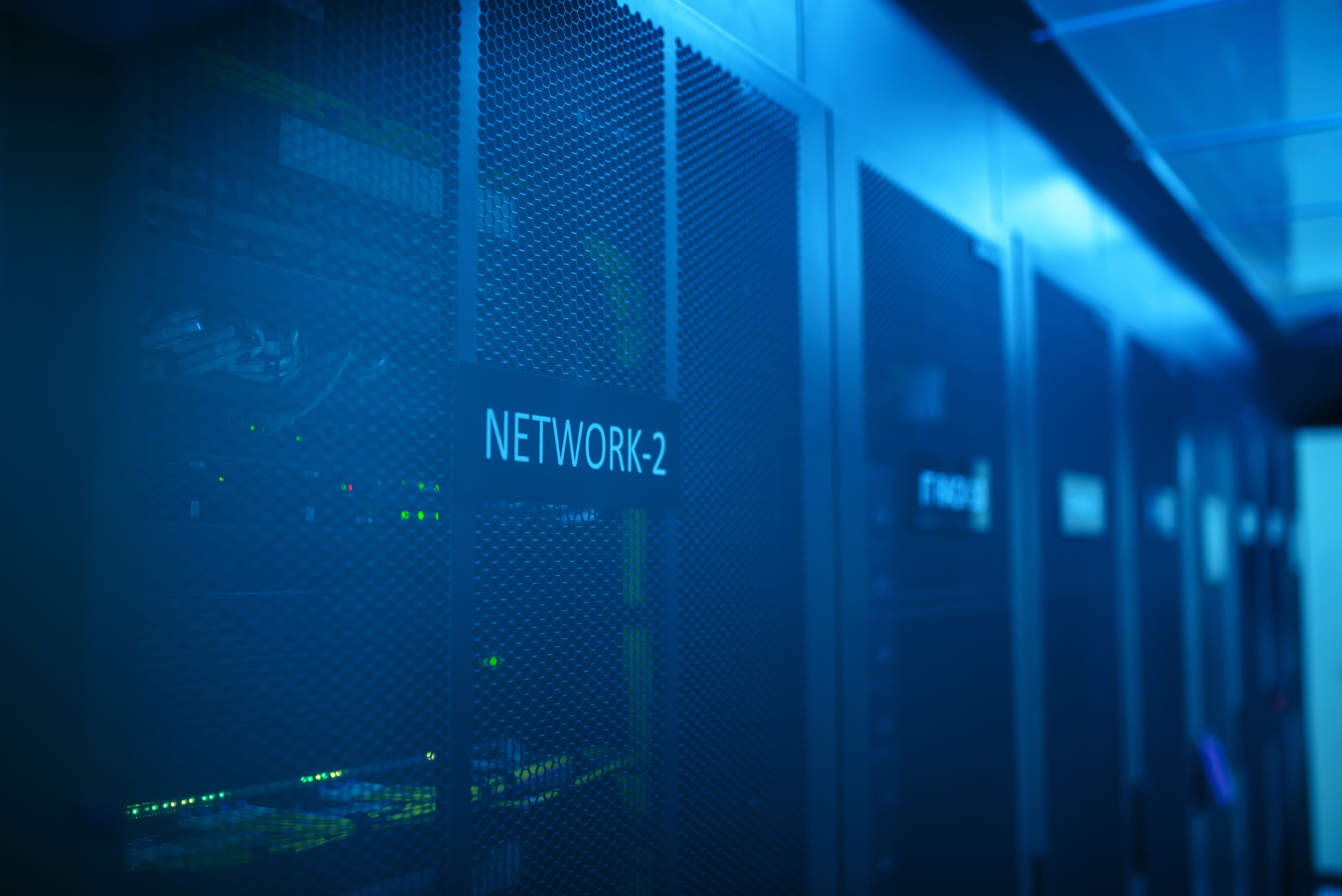
Picture your home health agency's office network as a single large room with no interior walls. Every device connected to that network — the office workstations, the billing department laptops, the EHR terminals, the guest WiFi for visitors, the smart TV in the waiting area, and the personal phone a nurse plugged in to charge — can see and potentially communicate with every other device.
If any single device in that room is compromised, the attacker can move laterally across the entire network. The personal phone that connected to a compromised public WiFi yesterday can be used to reach the EHR terminal. The smart TV with a security vulnerability can be used to probe the billing system. The guest WiFi your visitor connected to gives them potential network visibility that no guest should have.
Network segmentation adds interior walls. It divides the single large room into isolated compartments, each accessible only to the devices and users that have a legitimate reason to be there. A compromised device in one compartment cannot reach systems in another compartment.
Why Home Health Agencies Are Particularly Vulnerable to Lateral Movement
Most home health agencies set up their office network the way a small business would: one WiFi network, everyone connects to it, things work. This is functional but creates a flat network where a single compromised device is a beachhead for the entire environment.
The specific risk factors in a home health environment:
BYOD devices from varied security environments. Nurses and aides who bring personal devices into the office and connect them to the office WiFi are introducing devices of unknown security status into the network. A device that connected to a compromised network yesterday, or that has been infected by malware from a personal app, brings that risk into your environment.
EHR terminals mixed with general-purpose devices. If your EHR terminals and your general office computers are on the same network segment, a compromised office computer can probe and potentially attack the EHR system.
Guest or visitor WiFi sharing infrastructure. Many agencies have a single WiFi network that staff, guests, and even medical equipment share. Any guest who connects is on the same network as your clinical systems.
IoT devices with poor security. Smart TVs, wireless printers, HVAC controls, and other IoT devices routinely have poor security and are rarely updated. They are common pivot points for attackers who gain initial access and then move toward more valuable targets.
What Network Segmentation Looks Like for a Home Health Agency
Segmentation does not require enterprise networking equipment or a dedicated IT team to configure. For most home health agencies, the appropriate architecture is:
Segment 1: Clinical Systems Network
Contains: EHR terminals, any devices that directly access clinical patient records, devices used by clinical supervisors for care plan management.
Access: Clinical staff accounts only, with MFA. No access from general office devices, guest devices, or IoT devices.
Monitoring: All traffic from this segment is logged. Anomalous access attempts are alerted immediately.
Segment 2: Administrative and Business Systems Network
Contains: Billing computers, scheduling systems, administrative workstations, management laptops.