
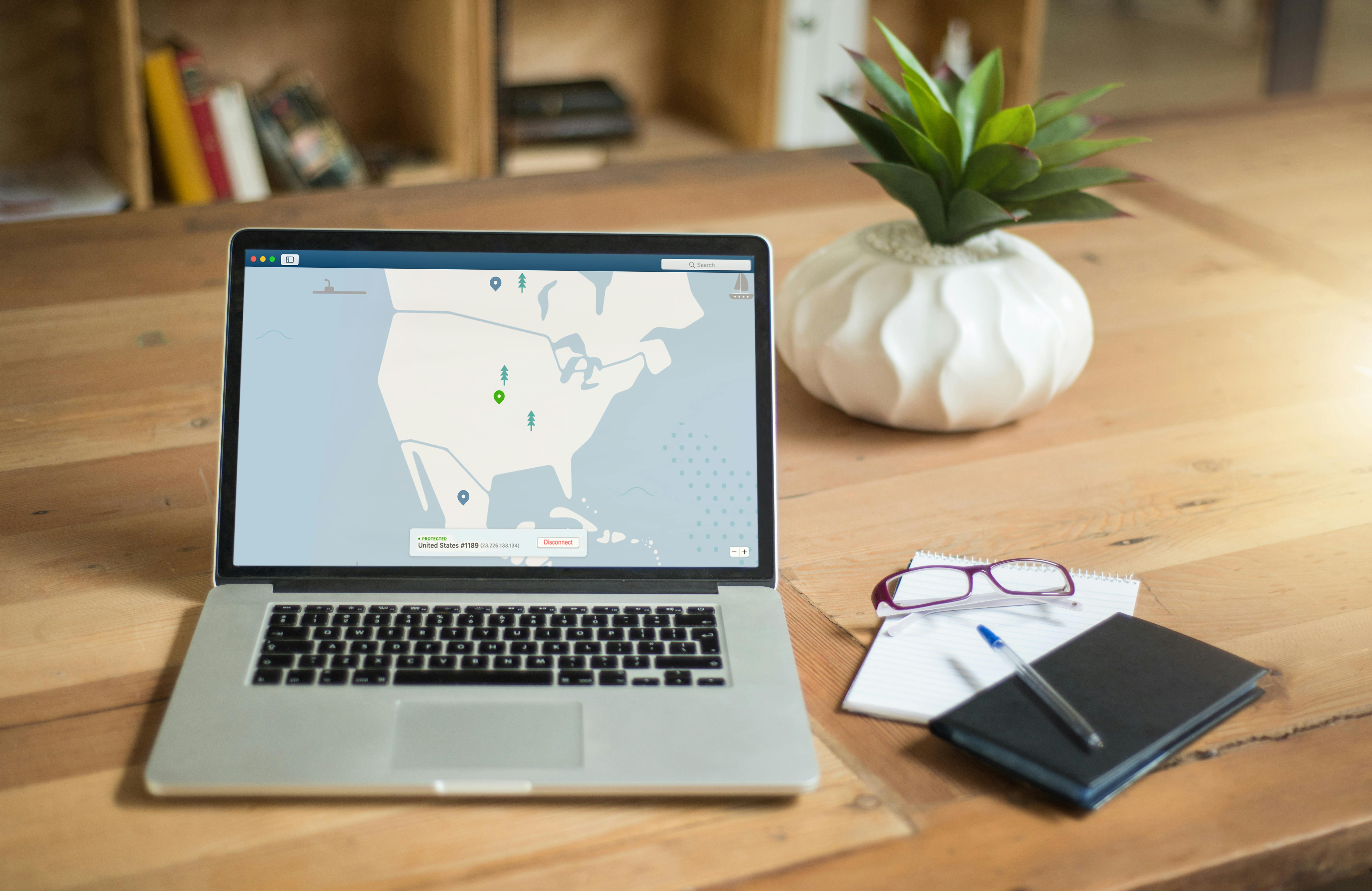
The conversation about "remote work cybersecurity" has been dominated for the past five years by the image of a corporate employee working from a home office — a professional at a desk, on a company laptop, connected to a home WiFi router, accessing enterprise systems through a VPN. This is a real security challenge and an important one. But it is not the distributed workforce challenge that home health agencies face, and solutions designed for the corporate remote worker do not map cleanly onto the environment where home health data actually lives.
A home health agency's workforce is not remote in the corporate sense. It is distributed in a way that has no equivalent in any other industry. At 9am on a Tuesday, your clinical supervisor is at the office reviewing care plans on a managed workstation. Your billing coordinator is at her kitchen table on a personal laptop processing Medicare claims over her home WiFi. Your scheduling coordinator is in her car responding to urgent schedule changes on her smartphone. And your forty field nurses are in forty different patient homes, connecting to forty different residential WiFi networks — or to cellular data when coverage allows — documenting patient visits on personal tablets or agency-issued devices while patients and family members move around them.
None of these environments is an office. None of them has a corporate network perimeter, a managed WiFi router, or any of the physical security infrastructure that office security frameworks assume. And all of them are handling protected health information that HIPAA's Security Rule requires you to protect with the same rigour in a patient's living room in rural Pennsylvania as in a locked server room in a managed data centre. The security architecture that makes this possible — that genuinely protects patient data across all of these environments simultaneously — is what ShieldForce was built to deliver.
The Home Health Distributed Workforce Security Problem in Precise Terms
Before describing the solution, it is worth being precise about what makes the home health distributed workforce problem genuinely different from the corporate remote work problem. The differences are not of degree — they are of kind — and they matter for how security architecture should be designed.
The Problem Is Not Working From Home — It Is Working From Everywhere
A corporate remote worker works from a fixed home office location most of the time. The security architecture for that environment — VPN from the home office, MDM on the company laptop, conditional access from known locations — is designed for a stable, predictable access pattern. A field nurse works from a different location every hour of every day. Her first visit might be a patient in a rural farmhouse with satellite internet and a router that was installed in 2019. Her second visit is an apartment in a high-rise building whose WiFi is shared across 80 units. Her third visit is a patient whose household has no internet, so she uses her personal cellular data. Her fourth visit is a patient in a residential care facility whose network she connects to with the guest WiFi password written on a whiteboard in the lobby.
Each of these environments has a different security posture that she cannot assess, cannot control, and cannot remediate. The security architecture that protects her access to patient records across all four environments cannot rely on network-level controls — because none of these networks are hers to control. It must be built into the identity, the device, and the application — controls that travel with the nurse and provide the same protection regardless of what network she is on.
Personal Devices Are the Norm, Not the Exception
In corporate remote work, the standard is a company-issued laptop managed by the IT department, with MDM enrollment, corporate image, approved software, and known security configuration. In home health, the standard for field clinical staff is a personal smartphone used for EHR access through a mobile application, alongside whatever personal applications, personal email accounts, and personal cloud storage the nurse uses for her private life. The device is not the agency's. The agency did not select it, did not configure it, and cannot control its base security posture without the nurse's explicit cooperation through an MDM enrollment process.
This matters because the personal smartphone that a field nurse uses to document a patient visit is also the device she uses to check personal email, access personal cloud storage, and download applications from app stores that have not been vetted by any IT security process. The risk that attaches to ePHI access from this device is categorically different from the risk that attaches to access from a managed corporate laptop — and the security architecture must account for that difference without being so invasive of the nurse's personal device that she refuses to cooperate with it.
The Office Has No Visibility Into What Happens in Patient Homes
When a field nurse documents a patient visit in a patient's living room, the home health agency's IT infrastructure has no visibility into what is happening on that device in that environment unless specific monitoring controls are in place. The nurse could be on a compromised network being actively monitored by a malicious actor. She could be using a personal device with malware that was installed through a personal app download last week. She could have shared her work login credentials with a colleague to cover a visit. She could be accessing patient records on a neighbour's WiFi because her cellular signal dropped. None of these situations generate any signal at the agency level in the absence of endpoint monitoring and identity management controls that specifically address the field environment.
How ShieldForce Delivers Protection That Travels With Your Staff
The architecture that genuinely protects home health ePHI across the environments described above is built around a simple principle: the security controls must be attached to the identity and the device, not to the network. A control that works on the office network but not on a patient's home WiFi is not a control — it is a partial defence with known gaps. ShieldForce builds the complete protection architecture at the identity and device layer, producing consistent protection regardless of location.
Identity-Layer Protection: Security That Follows the User
Every staff member who accesses home health systems — in the office, at home, in a patient's living room — authenticates through the same identity platform with the same MFA requirements enforced through the same conditional access policies. The conditional access policies evaluate every authentication request against a set of conditions: Is the device enrolled in MDM and compliant with security policies? Is the user authenticating from a location consistent with their normal pattern? Is the time of authentication consistent with normal working hours? Is the device type appropriate for the system being accessed?
When all conditions are met, access is granted and the authentication event is logged. When conditions are not met — a device that is not MDM-enrolled, an authentication from a geographic location inconsistent with the user's pattern, a login time flagged as unusual — the conditional access policy either requires step-up authentication (an additional verification beyond standard MFA) or blocks access entirely. This evaluation happens automatically, in real time, for every authentication event regardless of where that event originates. The office network provides no advantage to authentication. The patient's home WiFi provides no disadvantage. The security standard is consistent because it is applied at the identity layer, not the network layer.